Your voice-first AI for Windows.
Wakes to its name and runs your PC by voice. Free, private, powered by Claude.
One-click installer · or the portable .zip
What it does.
one assistant · your whole desktopTalk to it
- “hey wivexx” to wake
- barge in any time
- or just type
Run your PC
- open / close apps
- move windows across monitors
- switch audio outputs
See your screen
- “what's on my screen?”
- number + click controls
- screenshots
Instant local tools
- math, units & currency
- timers, volume, clipboard
- no tokens spent
Creator studio
- captions + hashtags
- transcribe any video
- reel maker + auto-edit
Real memory
- remembers your gear & prefs
- goals & to-dos
- recalls by meaning
What you need.
Wivexx is light — and the one-click installer sets up everything for you, including Python if you don't already have it. There's nothing to install by hand, and ffmpeg is bundled. For conversation you'll also add a free Anthropic API key (below).
Running in three steps.
download → run → talkDownload the installer
Grab Wivexx-Setup.exe — one file. If Windows SmartScreen warns, click “More info” → “Run anyway” (it's unsigned, not unsafe).
Run it — that's it
The installer sets up Python for you if needed, installs Wivexx's components, and puts a “Wivexx” shortcut on your Desktop.
Add your API key
Launch Wivexx from the shortcut. Local tools work right away; for real conversation, add a free Anthropic key — two minutes (below).
Add your Anthropic key.
free to create · pay only for useWivexx thinks with Claude. Most people spend a dollar or two a month. Until you add a key, every local tool still works — conversation is what needs it.
Create a key
Go to console.anthropic.com → API keys → Create key. Copy it (it starts with sk-ant-…).
Open .env
In your Wivexx folder, copy “.env.example” and rename the copy to “.env”. Open it in Notepad.
Paste it in
After ANTHROPIC_API_KEY= paste your key. Save the file. Your key stays only on your PC — it's never shared.
Restart Wivexx
Close it from the tray and run start_wivexx.bat again. Say “hey wivexx, are you there?” — it'll answer.
# .env  (in your Wivexx folder)
ANTHROPIC_API_KEY=sk-ant-api03-your-key-here
Wivexx wallpapers.
make it yoursLive wallpaper
Wallpaper EngineThe Wivexx orb, alive on your desktop — it breathes, blinks, follows your activity and mirrors Wivexx's state (idle / thinking / speaking) in real time.
how Needs Wallpaper Engine (Steam). Unzip into your wallpaper_engine projects folder, then pick “Wivexx” in the Installed tab.
↓ DownloadStatic wallpaper
Any PC · HDA clean, on-brand still of the orb on ink — no extra software, works on any Windows machine.
how Download, right-click the image → “Set as desktop background”.
↓ Download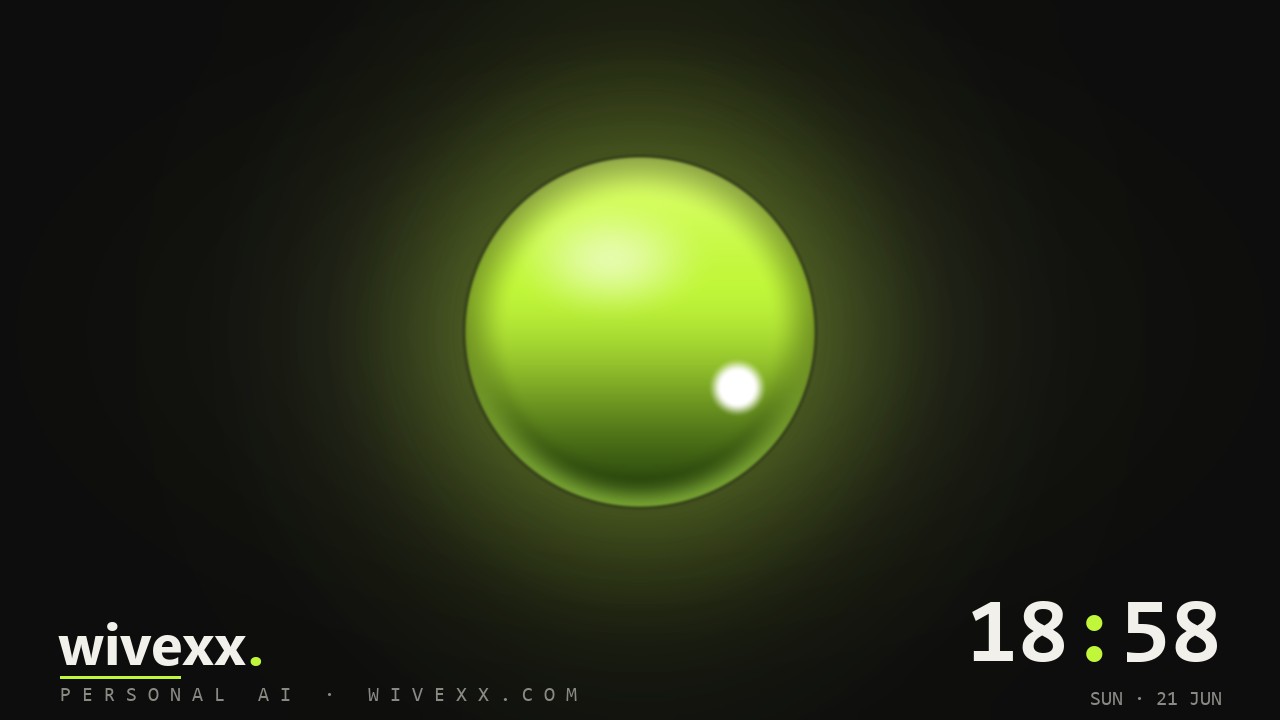
Free to use. Built by one creator.
Wivexx is free and always will be. If it saves you time, a small tip keeps the updates coming and the API lights on. No pressure — even sharing it helps.
one-time or monthly · secure · cancel anytime
ready when you are